Concurrency in Collections
“The choice of collection type in concurrent applications can make the difference between a scalable system and one that fails under load.” - Java Concurrency in Practice
Thread Safety in Collections
Section titled “Thread Safety in Collections”Standard Java collections (ArrayList, HashMap, HashSet, etc.) are not thread-safe by design. Using them in multithreaded environments can lead to:
- Race conditions causing data corruption
- ConcurrentModificationException during iteration
- Inconsistent state and unpredictable behavior
- Data loss or duplication
Types of Thread-Safe Collections
Section titled “Types of Thread-Safe Collections”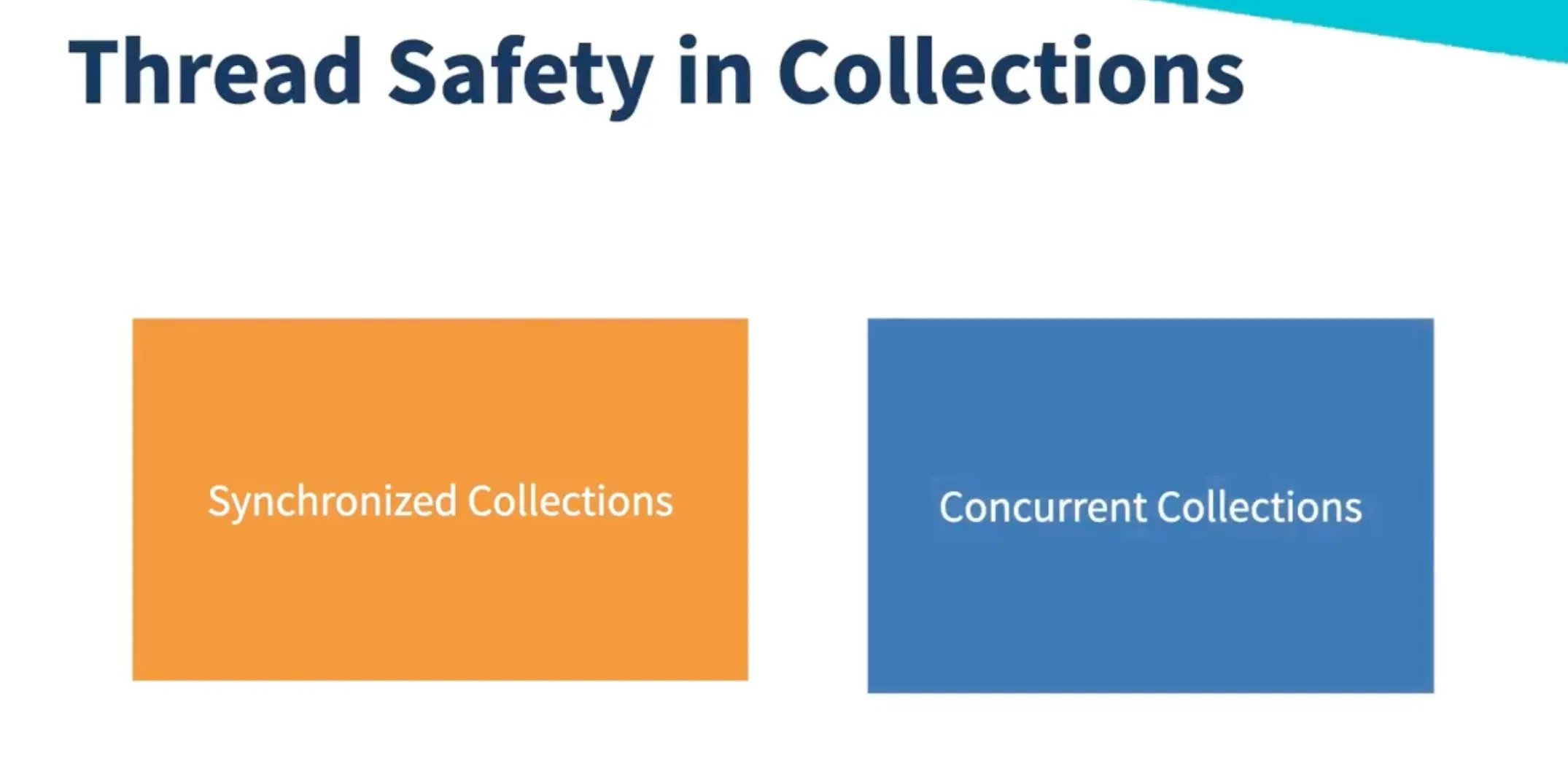
1. Synchronised Collections (Legacy Approach)
Section titled “1. Synchronised Collections (Legacy Approach)”“Synchronised collections provide thread safety through coarse-grained locking, but at the cost of scalability.”
The Collections.synchronizedXXX() methods wrap existing collections with thread-safe versions:
// Creating synchronized collectionsList<String> syncList = Collections.synchronizedList(new ArrayList<>());Map<String, Integer> syncMap = Collections.synchronizedMap(new HashMap<>());Set<String> syncSet = Collections.synchronizedSet(new HashSet<>());Example Usage
Section titled “Example Usage”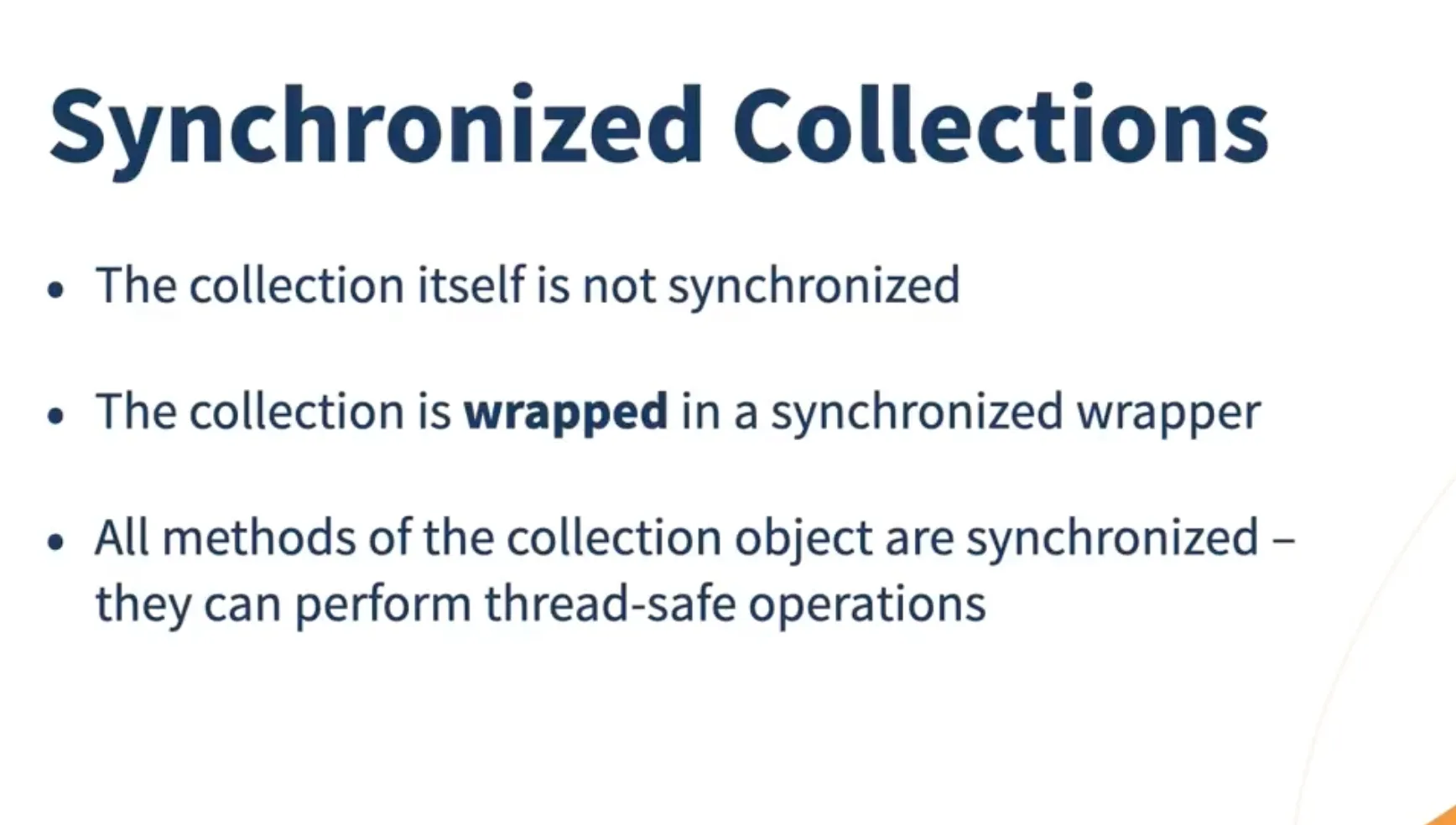
class SynchronizedCollectionExample {    private static List<String> syncList = Collections.synchronizedList(new ArrayList<>());
    public static void main(String[] args) throws InterruptedException {        // Multiple threads adding elements        Thread t1 = new Thread(() -> {            for (int i = 0; i < 1000; i++) {                syncList.add("Thread1-" + i);            }        });
        Thread t2 = new Thread(() -> {            for (int i = 0; i < 1000; i++) {                syncList.add("Thread2-" + i);            }        });
        t1.start();        t2.start();        t1.join();        t2.join();
        System.out.println("Final size: " + syncList.size()); // Always 2000    }}
How Synchronized Collections Work
Section titled “How Synchronized Collections Work”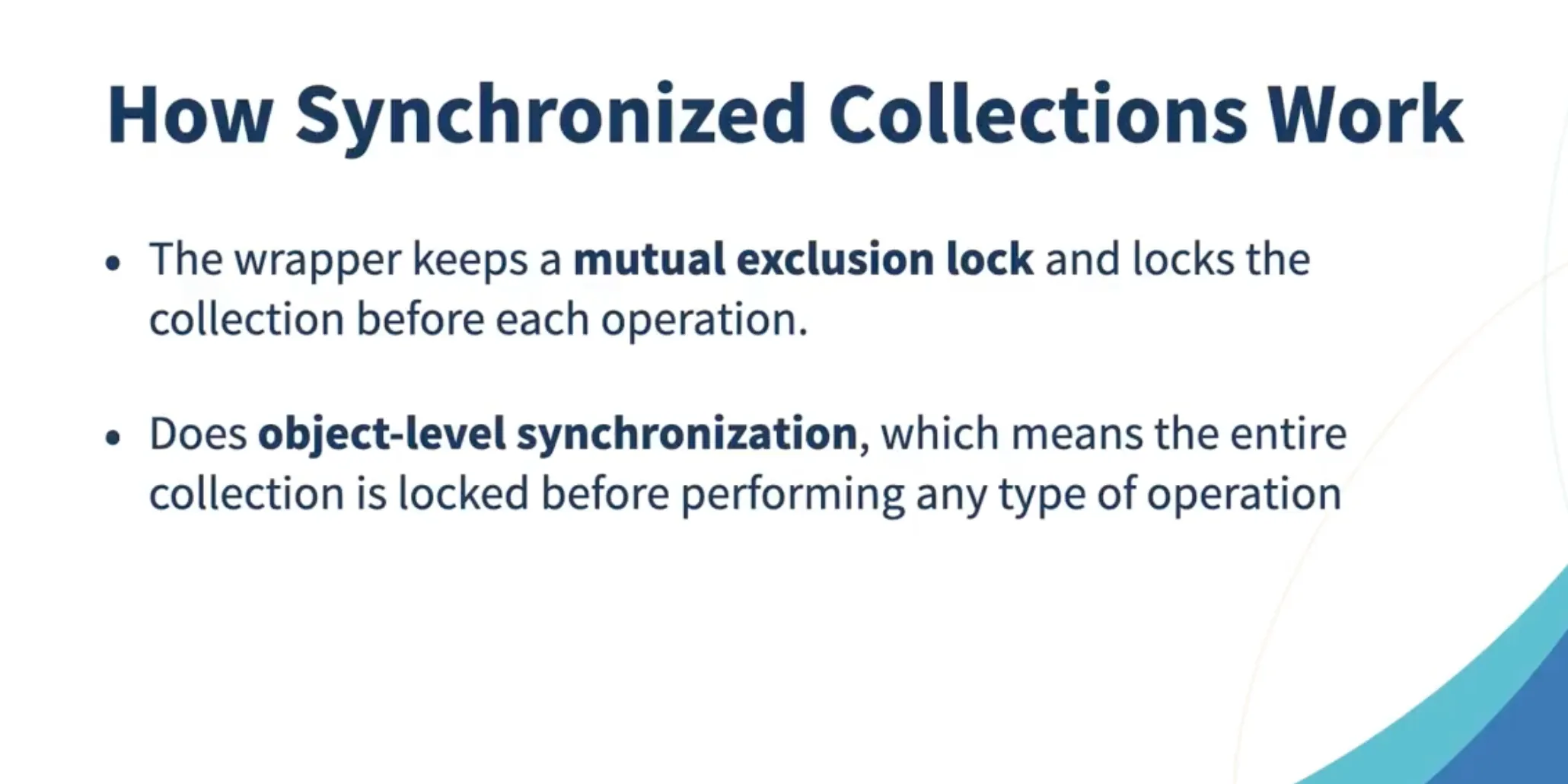
Key Characteristics:
- Single lock for entire collection
- Poor scalability due to contention
- Guaranteed thread safety but with performance overhead
- Suitable for low-concurrency scenarios
Modern Recommendation: Use concurrent collections from
java.util.concurrentpackage instead of synchronized collections for better performance and scalability.
2. Concurrent Collections (Modern Approach)
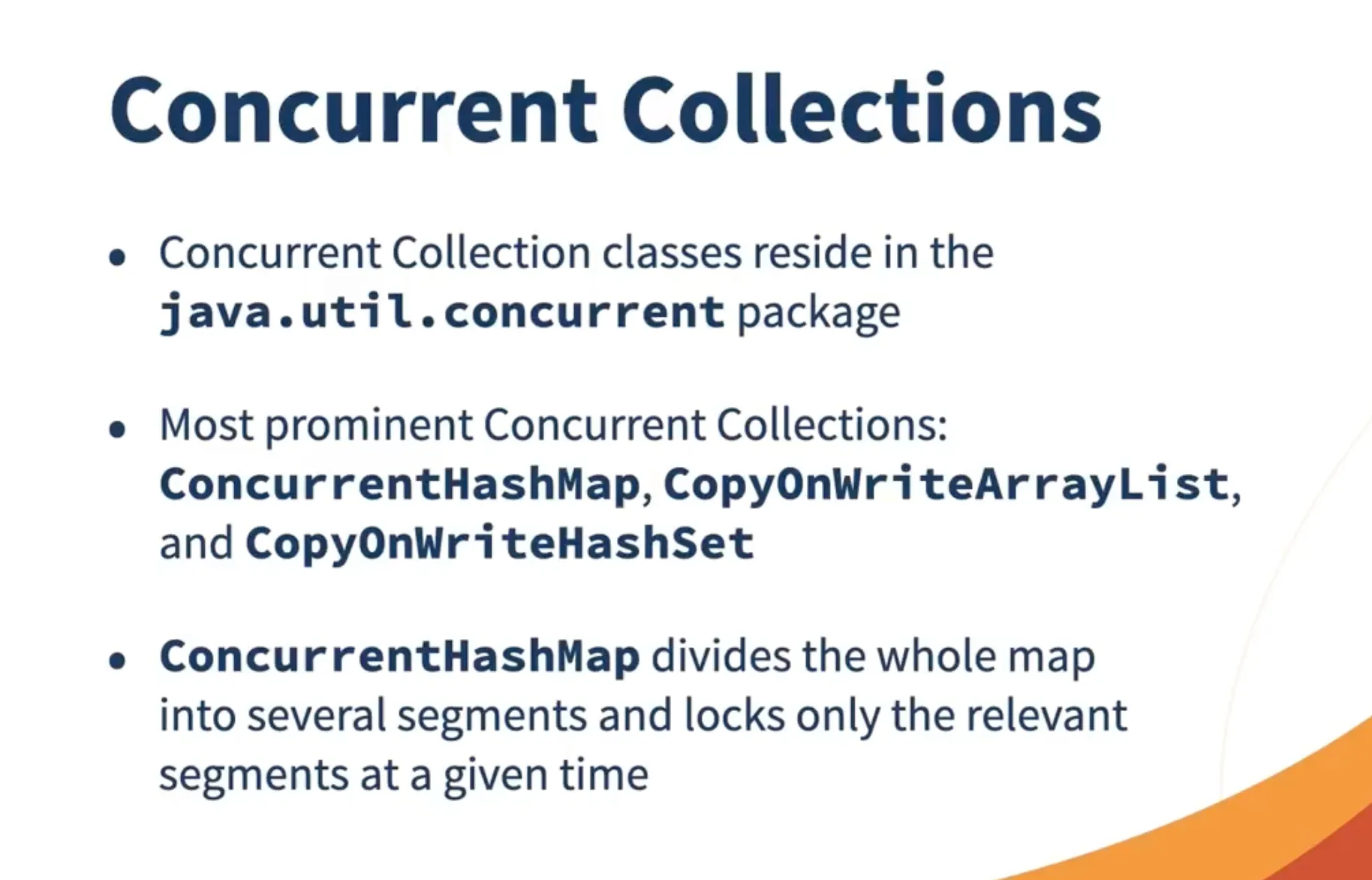
Section titled “2. Concurrent Collections (Modern Approach)”“Concurrent collections use advanced techniques like lock striping, CAS operations, and lock-free algorithms to provide both thread safety and high performance.”
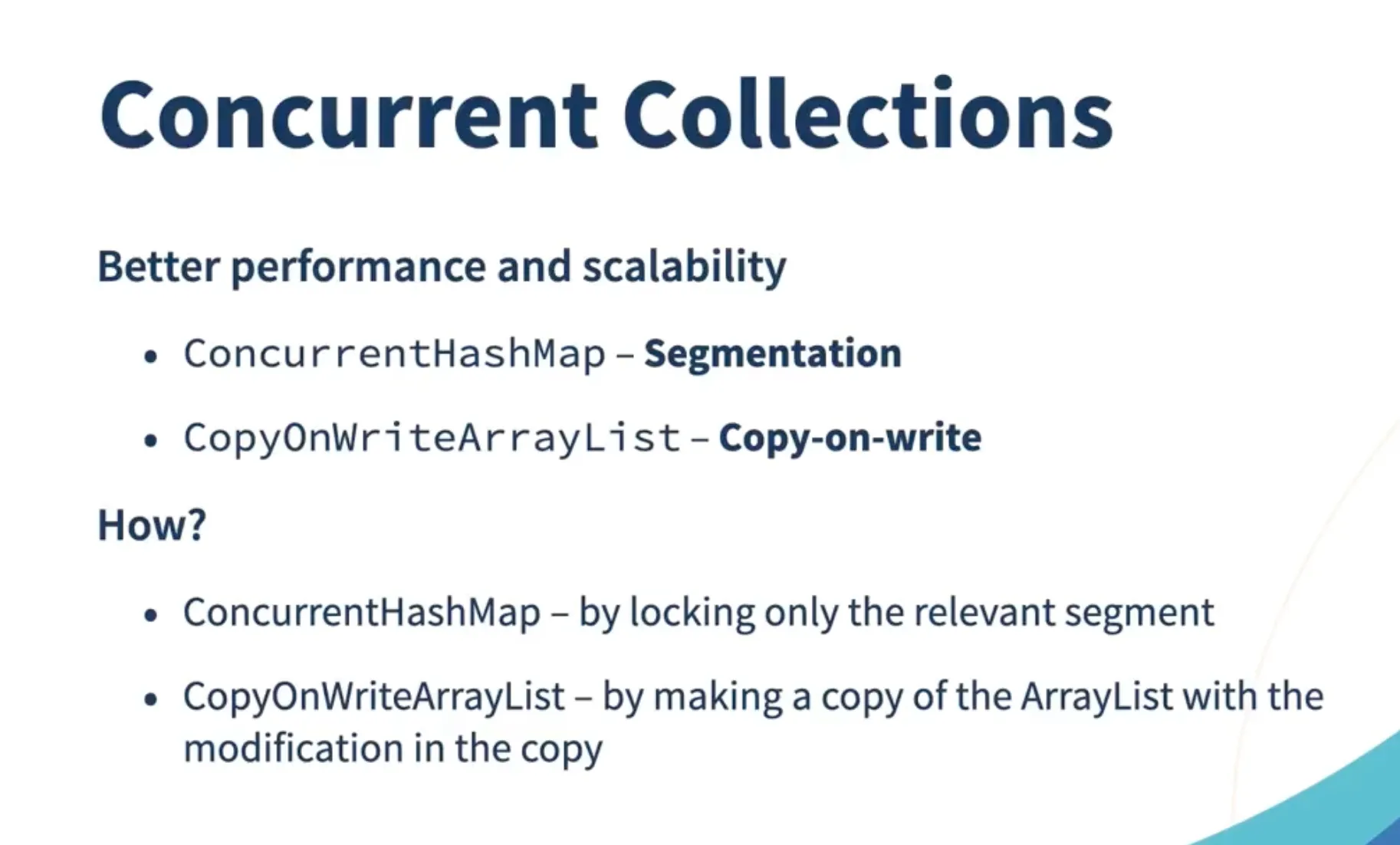
Array-Based Concurrent Collections
Section titled “Array-Based Concurrent Collections”CopyOnWriteArrayList
Section titled “CopyOnWriteArrayList”import java.util.concurrent.CopyOnWriteArrayList;
class CopyOnWriteExample { private static CopyOnWriteArrayList<String> list = new CopyOnWriteArrayList<>();
public static void main(String[] args) { // Multiple threads can read simultaneously Thread reader1 = new Thread(() -> { for (int i = 0; i < 100; i++) { list.forEach(item -> System.out.println("Reader1: " + item)); } });
Thread reader2 = new Thread(() -> { for (int i = 0; i < 100; i++) { list.forEach(item -> System.out.println("Reader2: " + item)); } });
Thread writer = new Thread(() -> { for (int i = 0; i < 1000; i++) { list.add("Item-" + i); } });
reader1.start(); reader2.start(); writer.start(); }}Characteristics:
- ✅ Thread-safe for both reads and writes
- ✅ No ConcurrentModificationException during iteration
- ✅ Excellent for read-heavy workloads
- ❌ Writes are expensive (creates new copy on each modification)
- ❌ Memory overhead due to copying
CopyOnWriteArraySet
Section titled “CopyOnWriteArraySet”Similar to CopyOnWriteArrayList but for sets:
import java.util.concurrent.CopyOnWriteArraySet;
CopyOnWriteArraySet<String> concurrentSet = new CopyOnWriteArraySet<>();
Map-Based Concurrent Collections
Section titled “Map-Based Concurrent Collections”ConcurrentHashMap
Section titled “ConcurrentHashMap”“ConcurrentHashMap is the most widely used concurrent map, offering excellent performance through lock striping and CAS operations.”
import java.util.concurrent.ConcurrentHashMap;
class ConcurrentHashMapExample {    private static ConcurrentHashMap<String, Integer> map = new ConcurrentHashMap<>();
    public static void main(String[] args) throws InterruptedException {        // Multiple threads updating the map        Thread t1 = new Thread(() -> {            for (int i = 0; i < 1000; i++) {                map.put("key" + i, i);            }        });
        Thread t2 = new Thread(() -> {            for (int i = 0; i < 1000; i++) {                map.put("key" + (i + 1000), i + 1000);            }        });
        t1.start();        t2.start();        t1.join();        t2.join();
        System.out.println("Map size: " + map.size()); // Always 2000    }}
Key Features:
- Lock striping for better concurrency
- CAS operations for non-blocking updates
- Atomic operations:
putIfAbsent(),compute(),merge() - No null keys or values allowed
- Weakly consistent iterators
Use Cases:
- High-concurrency scenarios
- When order doesn’t matter
- Cache implementations
- Shared data structures
ConcurrentSkipListMap
Section titled “ConcurrentSkipListMap”import java.util.concurrent.ConcurrentSkipListMap;
ConcurrentSkipListMap<String, Integer> sortedMap = new ConcurrentSkipListMap<>();Characteristics:
- Sorted map with thread safety
- Skip list data structure for O(log n) performance
- Weakly consistent iterators
- No ConcurrentModificationException
ConcurrentSkipListSet
Section titled “ConcurrentSkipListSet”import java.util.concurrent.ConcurrentSkipListSet;
ConcurrentSkipListSet<String> sortedSet = new ConcurrentSkipListSet<>();Queue-Based Concurrent Collections
Section titled “Queue-Based Concurrent Collections”BlockingQueue Implementations
Section titled “BlockingQueue Implementations”“BlockingQueue provides thread-safe queues with blocking operations, perfect for producer-consumer patterns.”
ArrayBlockingQueue
Section titled “ArrayBlockingQueue”import java.util.concurrent.ArrayBlockingQueue;
// Bounded queue with fixed capacityBlockingQueue<String> boundedQueue = new ArrayBlockingQueue<>(100);
// Producer threadThread producer = new Thread(() -> { try { for (int i = 0; i < 1000; i++) { boundedQueue.put("Item-" + i); // Blocks if queue is full } } catch (InterruptedException e) { Thread.currentThread().interrupt(); }});
// Consumer threadThread consumer = new Thread(() -> { try { while (true) { String item = boundedQueue.take(); // Blocks if queue is empty System.out.println("Consumed: " + item); } } catch (InterruptedException e) { Thread.currentThread().interrupt(); }});LinkedBlockingQueue
Section titled “LinkedBlockingQueue”import java.util.concurrent.LinkedBlockingQueue;
// Optionally bounded queueBlockingQueue<String> linkedQueue = new LinkedBlockingQueue<>(); // UnboundedBlockingQueue<String> boundedLinkedQueue = new LinkedBlockingQueue<>(100); // BoundedPriorityBlockingQueue
Section titled “PriorityBlockingQueue”import java.util.concurrent.PriorityBlockingQueue;
// Priority-based blocking queueBlockingQueue<Integer> priorityQueue = new PriorityBlockingQueue<>();priorityQueue.put(5);priorityQueue.put(1);priorityQueue.put(10);
// Elements are retrieved in priority order (1, 5, 10)DelayQueue
Section titled “DelayQueue”import java.util.concurrent.DelayQueue;import java.util.concurrent.Delayed;import java.util.concurrent.TimeUnit;
class DelayedItem implements Delayed { private String data; private long startTime;
public DelayedItem(String data, long delayInSeconds) { this.data = data; this.startTime = System.currentTimeMillis() + (delayInSeconds * 1000); }
@Override public long getDelay(TimeUnit unit) { long diff = startTime - System.currentTimeMillis(); return unit.convert(diff, TimeUnit.MILLISECONDS); }
@Override public int compareTo(Delayed other) { return Long.compare(this.startTime, ((DelayedItem) other).startTime); }
public String getData() { return data; }}
// UsageDelayQueue<DelayedItem> delayQueue = new DelayQueue<>();delayQueue.put(new DelayedItem("Item1", 5)); // Available after 5 secondsdelayQueue.put(new DelayedItem("Item2", 2)); // Available after 2 secondsSynchronousQueue
Section titled “SynchronousQueue”import java.util.concurrent.SynchronousQueue;
// Zero-capacity queue for direct handoffBlockingQueue<String> syncQueue = new SynchronousQueue<>();
// Producer must wait for consumerThread producer = new Thread(() -> { try { syncQueue.put("Direct handoff"); System.out.println("Item handed off"); } catch (InterruptedException e) { Thread.currentThread().interrupt(); }});
Thread consumer = new Thread(() -> { try { String item = syncQueue.take(); System.out.println("Received: " + item); } catch (InterruptedException e) { Thread.currentThread().interrupt(); }});ConcurrentLinkedQueue
Section titled “ConcurrentLinkedQueue”“ConcurrentLinkedQueue provides a lock-free, unbounded queue with excellent performance for high-throughput scenarios.”
import java.util.concurrent.ConcurrentLinkedQueue;
class ConcurrentLinkedQueueExample {    private static ConcurrentLinkedQueue<String> queue = new ConcurrentLinkedQueue<>();
    public static void main(String[] args) throws InterruptedException {        // Multiple producers        Thread producer1 = new Thread(() -> {            for (int i = 0; i < 1000; i++) {                queue.offer("Producer1-" + i);            }        });
        Thread producer2 = new Thread(() -> {            for (int i = 0; i < 1000; i++) {                queue.offer("Producer2-" + i);            }        });
        // Consumer        Thread consumer = new Thread(() -> {            int count = 0;            while (count < 2000) {                String item = queue.poll();                if (item != null) {                    System.out.println("Consumed: " + item);                    count++;                }            }        });
        producer1.start();        producer2.start();        consumer.start();
        producer1.join();        producer2.join();        consumer.join();    }}
Characteristics:
- ✅ Lock-free implementation
- ✅ High performance for concurrent access
- ✅ Unbounded capacity
- ❌ No blocking operations (
put(),take()) - ❌ Use
BlockingQueueif blocking is needed
Performance Comparison
Section titled “Performance Comparison”| Collection Type | Thread Safety | Read Performance | Write Performance | Memory Overhead | Use Case |
|---|---|---|---|---|---|
| ArrayList | ❌ | ✅ High | ✅ High | ✅ Low | Single-threaded |
| Collections.synchronizedList | ✅ | ❌ Low | ❌ Low | ✅ Low | Low concurrency |
| CopyOnWriteArrayList | ✅ | ✅ High | ❌ Low | ❌ High | Read-heavy |
| HashMap | ❌ | ✅ High | ✅ High | ✅ Low | Single-threaded |
| Collections.synchronizedMap | ✅ | ❌ Low | ❌ Low | ✅ Low | Low concurrency |
| ConcurrentHashMap | ✅ | ✅ High | ✅ High | ✅ Low | High concurrency |
| ConcurrentSkipListMap | ✅ | ⚠️ Medium | ⚠️ Medium | ✅ Low | Sorted + concurrent |
| ArrayBlockingQueue | ✅ | ⚠️ Medium | ⚠️ Medium | ✅ Low | Producer-consumer |
| ConcurrentLinkedQueue | ✅ | ✅ High | ✅ High | ✅ Low | High-throughput |
Best Practices
Section titled “Best Practices”-
Choose Based on Use Case:
- Read-heavy:
CopyOnWriteArrayList/CopyOnWriteArraySet - High concurrency:
ConcurrentHashMap - Sorted + concurrent:
ConcurrentSkipListMap/ConcurrentSkipListSet - Producer-consumer:
BlockingQueueimplementations - High-throughput:
ConcurrentLinkedQueue
- Read-heavy:
-
Avoid Legacy Synchronized Collections:
- Use concurrent collections from
java.util.concurrent - Better performance and scalability
- More modern and maintained
- Use concurrent collections from
-
Understand Trade-offs:
- CopyOnWrite: Excellent reads, expensive writes
- ConcurrentHashMap: Balanced performance, no ordering
- BlockingQueue: Thread coordination, potential blocking
- ConcurrentLinkedQueue: High performance, no blocking
-
Iteration Safety:
- Concurrent collections provide weakly consistent iterators
- No
ConcurrentModificationException - May see some updates, but never fails